
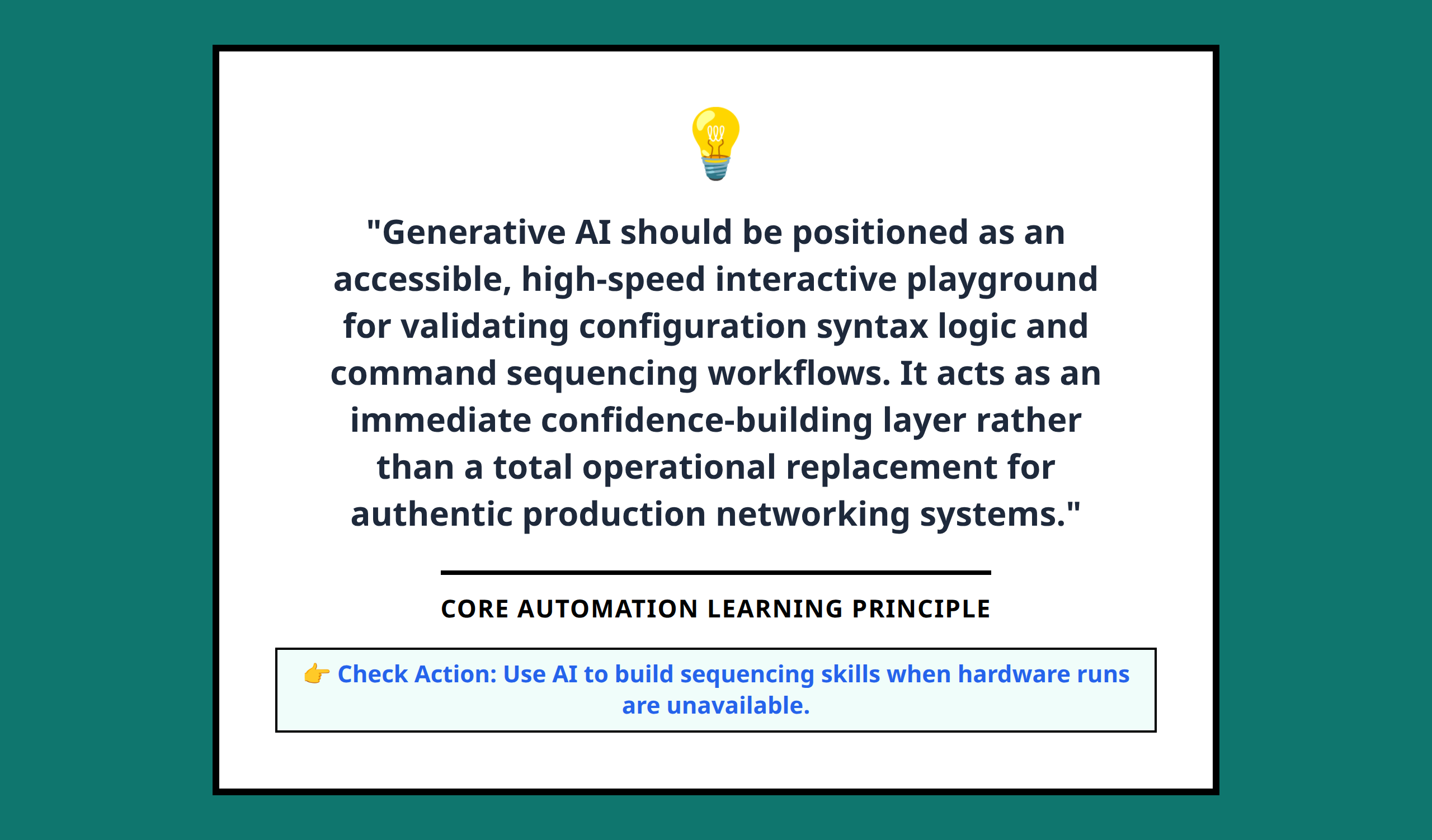
Generative AI can emulate Cisco routers and switches, giving students and self-learners the ability to practice CLI commands and automation workflows without needing physical lab equipment.
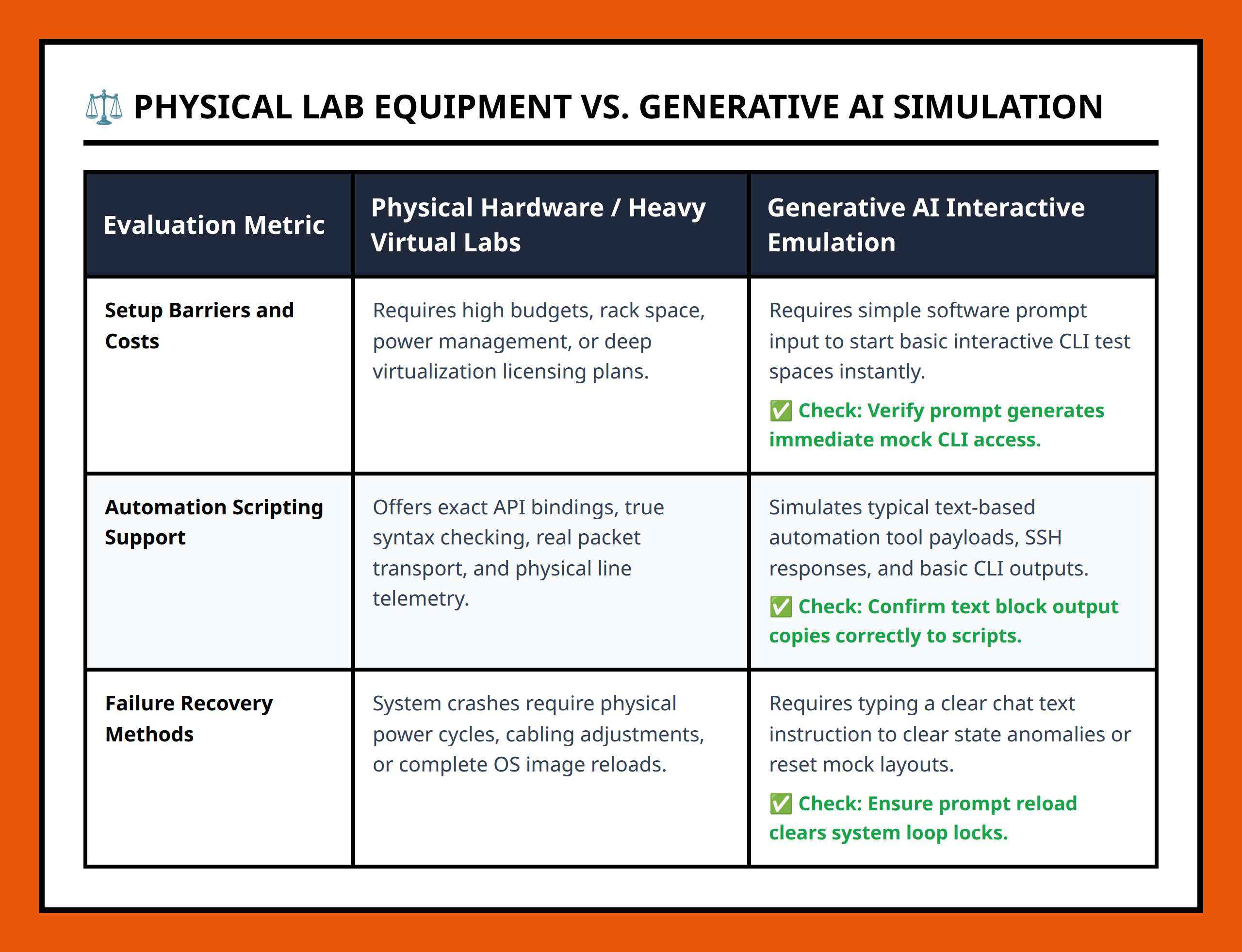
When I first started learning network automation, I often struggled to find access to physical lab hardware. The delay of waiting for equipment or the limited number of devices made hands-on practice slow and frustrating. Using AI to simulate a lab environment changes that entirely.
AI-assisted simulation allows learners to interact with virtual routers as if they were real devices. The core idea is that you can generate realistic CLI responses and execute commands, making it possible to test scripts and experiment safely.
Why AI Simulations Help Beginners
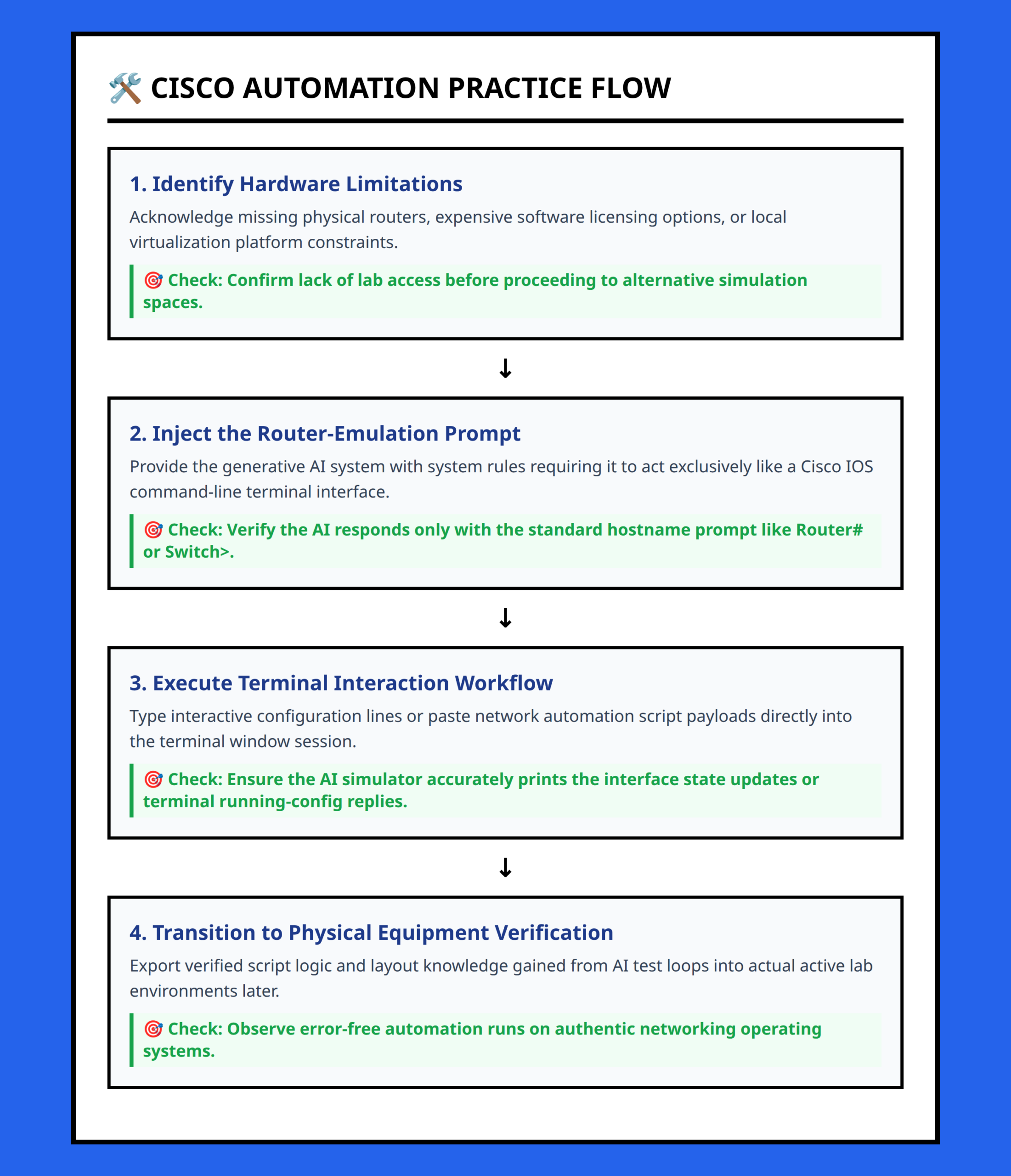
Practicing network automation without access to hardware usually forces learners to rely on theory or limited virtual environments. AI bridges that gap by providing a flexible, interactive CLI environment that responds dynamically to commands.
This means you can:
- Run familiar Cisco IOS commands
- Test simple automation scripts with immediate feedback
- Experiment with network configurations without risk
In my experience, being able to see immediate responses helps solidify understanding and builds confidence before moving to real hardware.
Structured AI Prompts for Router Emulation
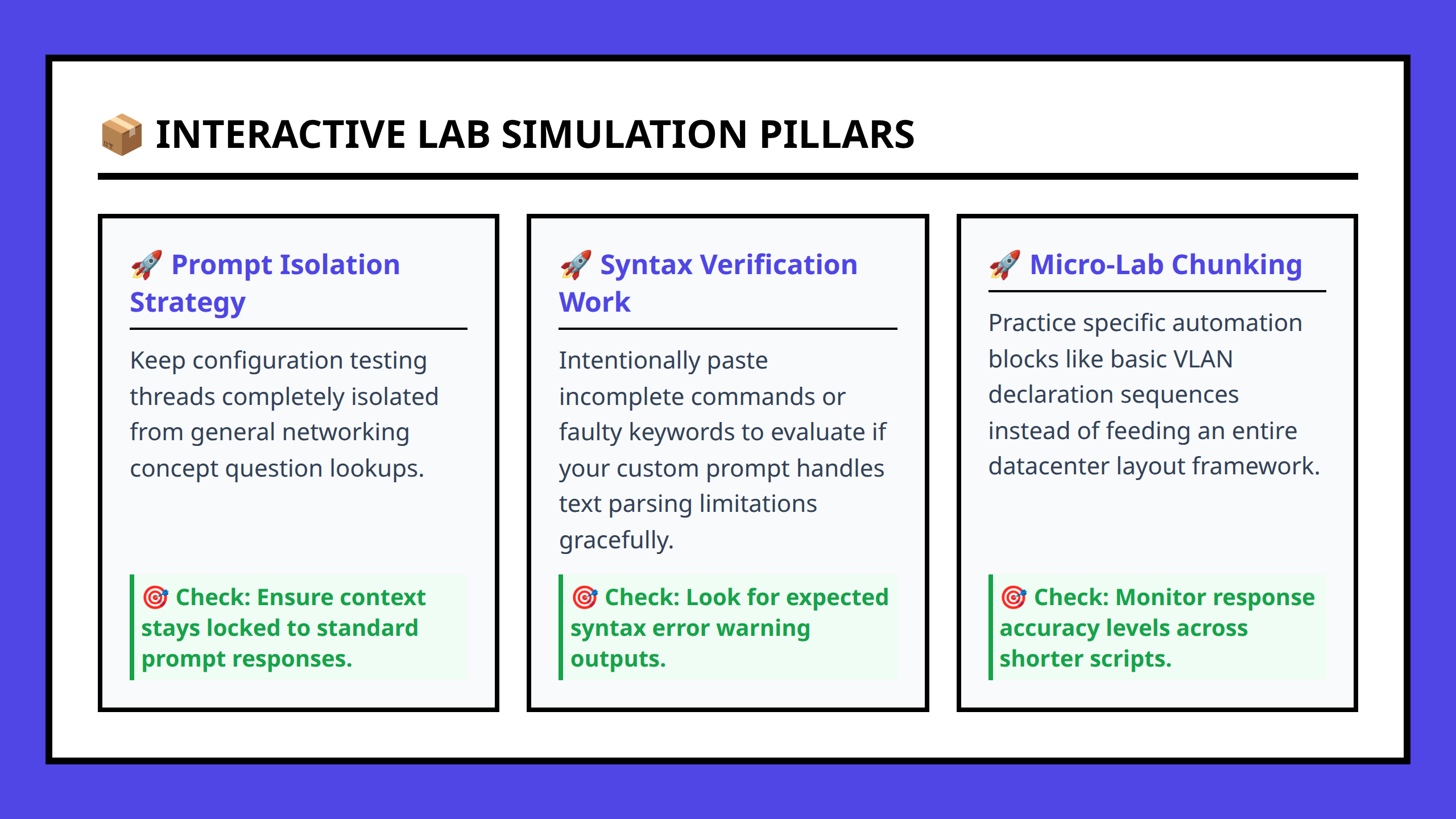
One practical method is to use structured prompts to instruct AI on how to emulate a router or switch. The prompt defines the device type, interfaces, and initial configuration state.
For example, you might provide the AI with a starting state of a Cisco router and then enter commands like show ip interface brief or configure terminal. The AI responds as a real device would, allowing you to iterate through typical workflows.
This approach makes it possible to simulate scenarios such as:
- Verifying interface statuses across multiple devices
- Practicing configuration commands in a safe environment
- Understanding command outputs for scripting and automation purposes
Using AI to Practice Automation Workflows
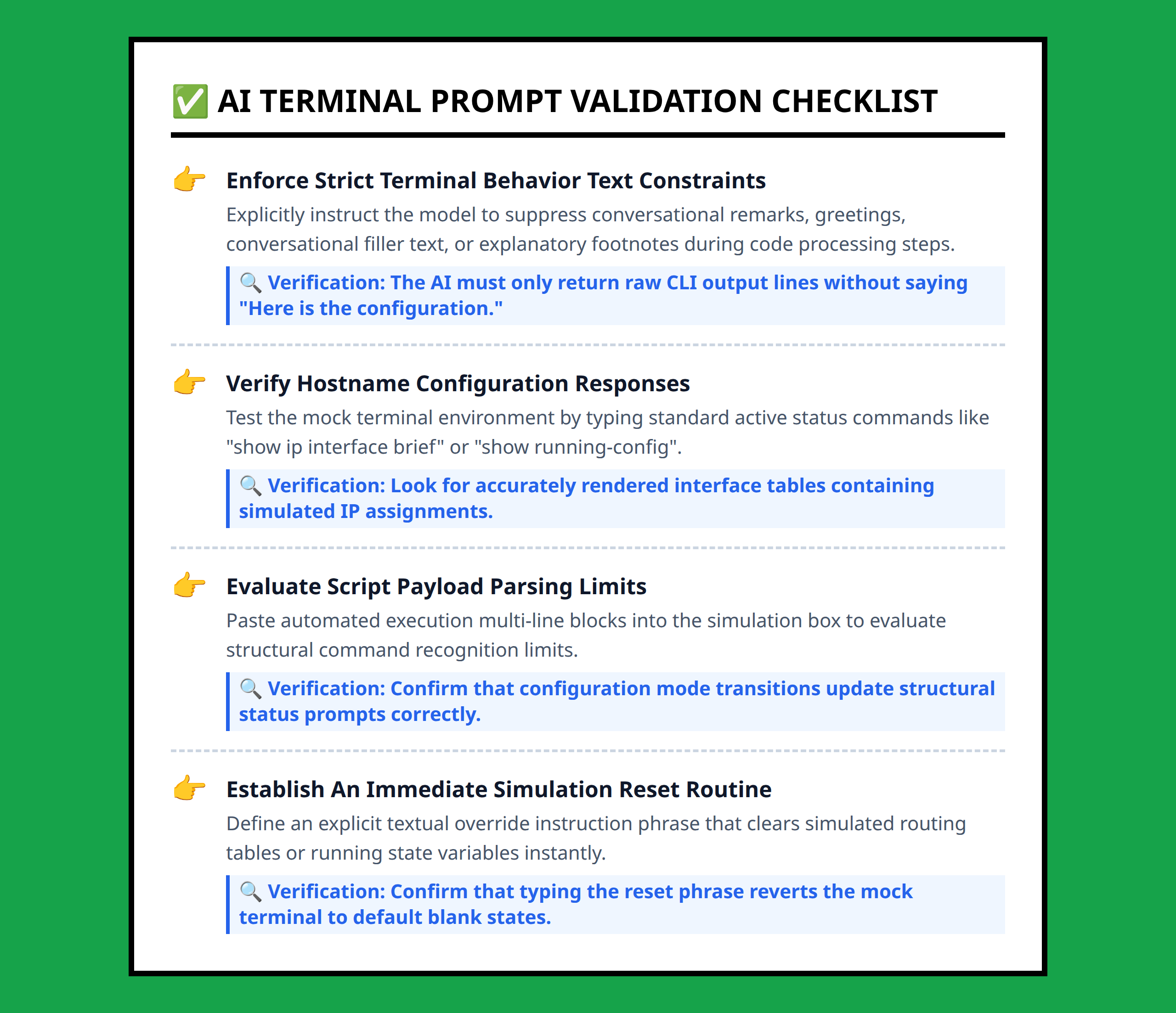
AI simulations are particularly useful for practicing automation tasks. Instead of running scripts against live hardware, you can execute them in a virtual environment, debug logic, and refine code without the risk of impacting production systems.
This makes learning safer and more iterative. Errors in automation scripts do not cause real outages, but still provide realistic output for evaluation and improvement.
Confidence-Building Before Real Labs
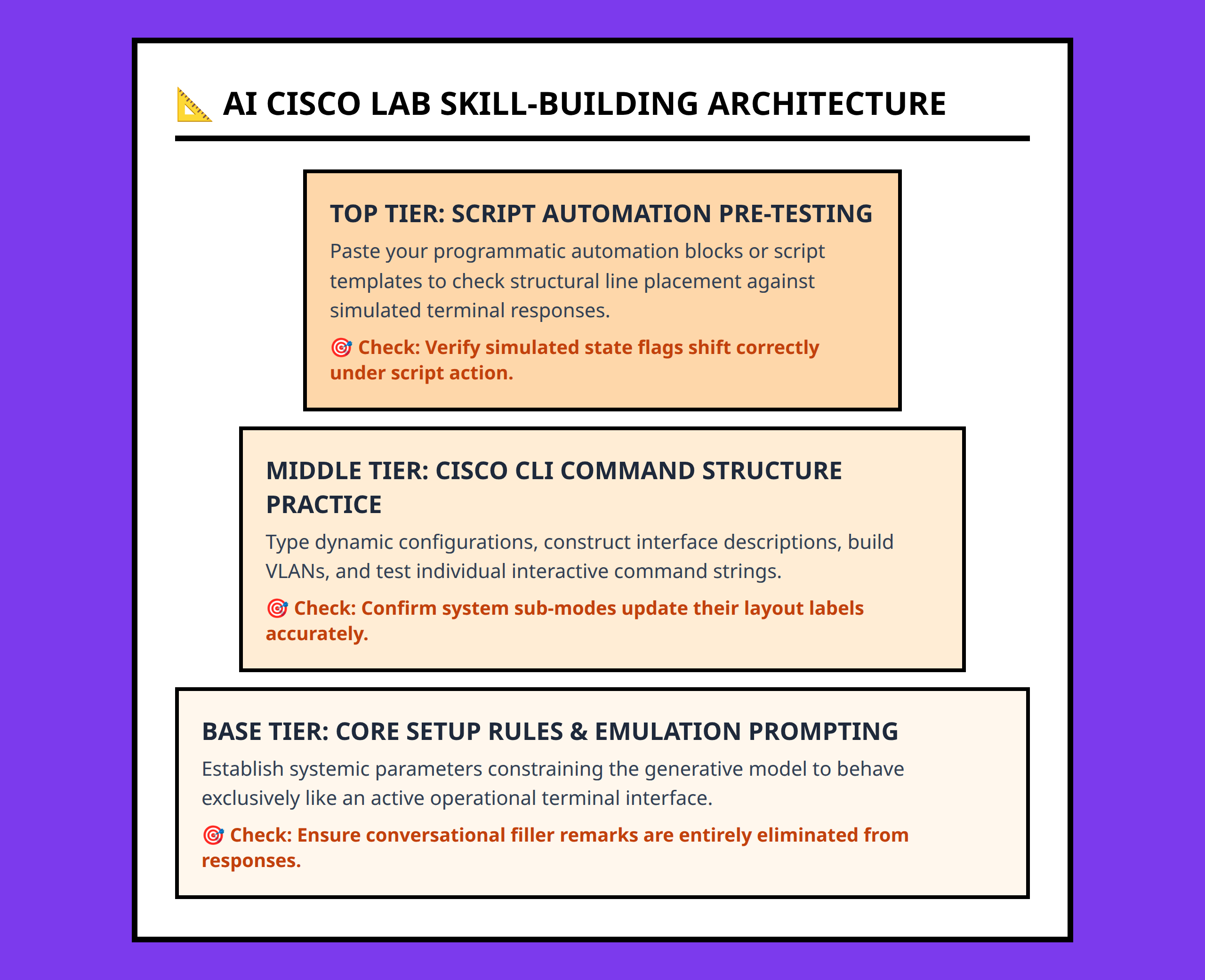
One of the biggest benefits I notice is how AI-based labs build confidence. Once you are comfortable automating and verifying tasks in a simulated environment, moving to physical hardware feels much less intimidating.
It is important to treat AI as a supplement, not a replacement. The goal is to gain operational familiarity, understand command behavior, and practice workflow logic before touching real network devices.
By using AI for initial skill development, you reduce the barrier to entry and accelerate your ability to perform meaningful automation tasks when hardware is available. This practice layer is practical, low-risk, and immediately useful for learning automation fundamentals.fileciteturn7file0
References:
- https://www.youtube.com/watch?v=J_PgCCMiTcI
- https://www.youtube.com/watch?v=WLpG9akNlM8
- https://www.youtube.com/watch?v=_piRwdUMmDg
- https://www.ciscolive.com/c/dam/r/ciscolive/global-event/docs/2025/pdf/DEVNET-3419.pdf
- https://learningnetwork.cisco.com/s/question/0D5QO00001s5Bjw0AE/whats-your-way-of-using-ai-for-learning-process
- https://learningnetwork.cisco.com/s/question/0D56e0000Dp3UADCQ2/generative-ai-for-network-optimization
- https://learningnetwork.cisco.com/s/blogs/a0D6e0000112KN4EAM/exploring-the-dreamscape-of-network-automation
- https://blogs.cisco.com/developer/using-the-power-of-artificial-intelligence-to-augment-network-automation
- https://www.netpilot.io/blog/can-ai-build-network-lab
- https://www.cbtnuggets.com/blog/technology/networking/generative-ai-network-operations-ccna
- https://www.cisco.com/site/us/en/learn/topics/artificial-intelligence/what-is-generative-ai-genai.html
- https://www.youtube.com/watch?v=UbWP4HrU790
- https://blog.cloudmylab.com/generative-ai-network-engineering